Use these patterns once signals, reactive props, and server actions are familiar.
Keep event handlers short
Keep template event handlers short. Move longer logic into a named function in a <script> tag.
<script>
    function randomize(data) {
        return data.map(() => Math.floor(Math.random() * 100));
    }
</script>

<c-lb.button data-on:click="$values = randomize($values)">Randomize</c-lb.button>
Keep shareable state in the URL
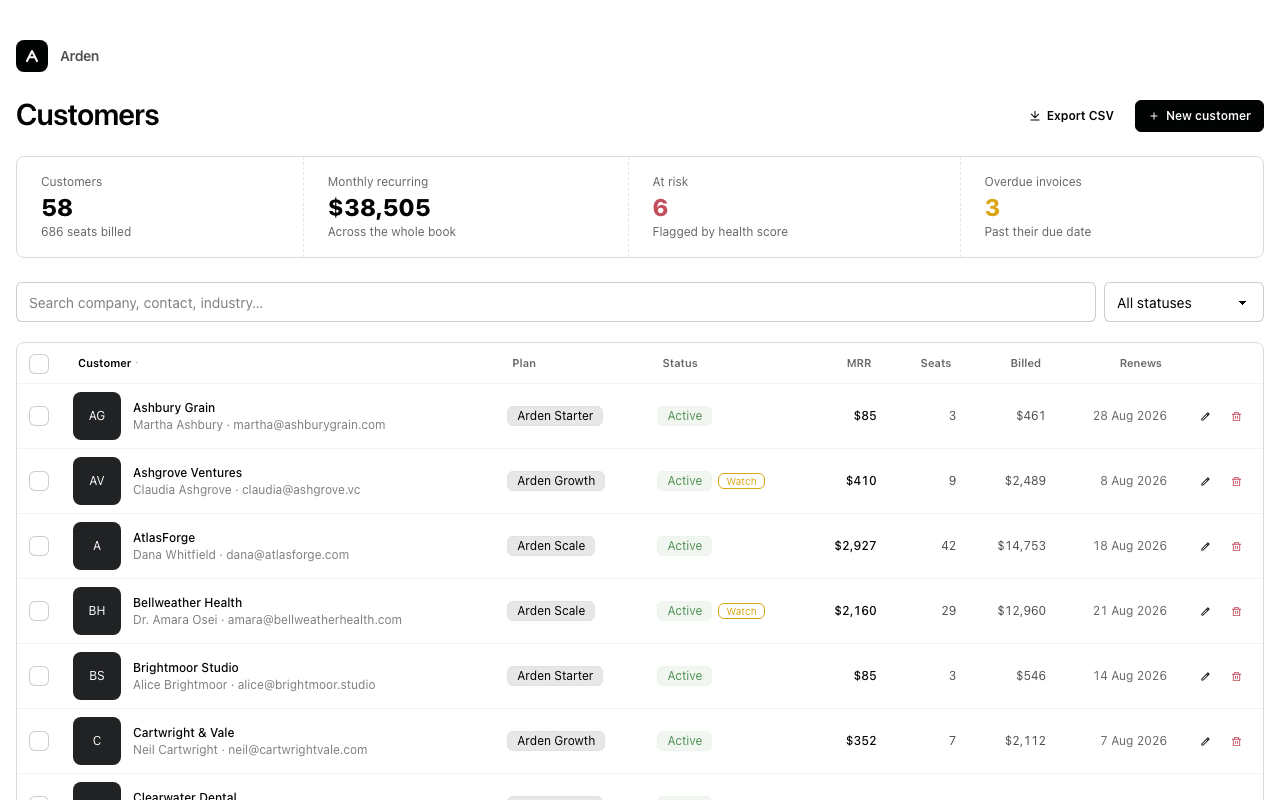
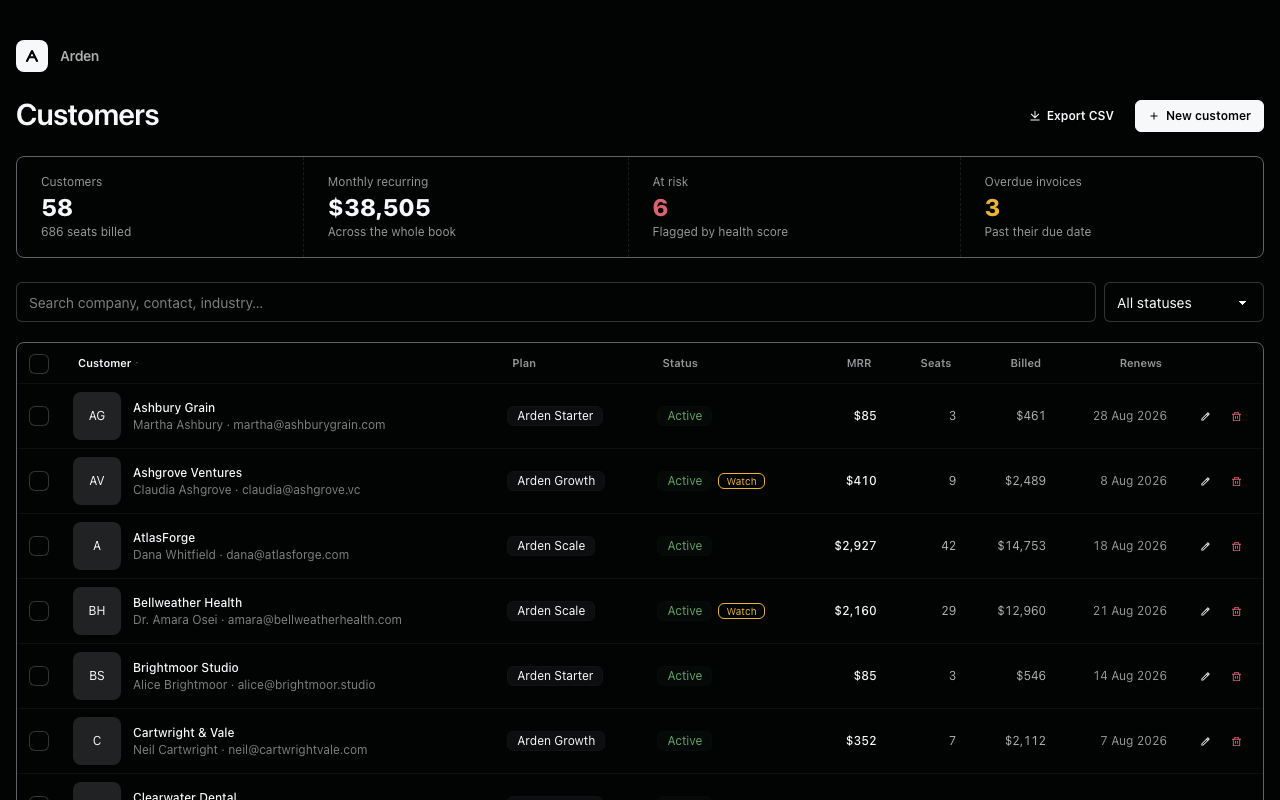
Add syncQuery to keep filter, sort, and page state in the URL. On a first load, the middleware restores those values before your view reads its signals. The customers block uses this pattern for its search and status filter.
<c-lbr.signals :schema=signals syncQuery />
The default flat encoding keeps URLs readable, with namespaced parameters such as ?lbr.filters.q=atlas&lbr.page=2. Configure the query key or encoding in LABB_SETTINGS when you need a different format.
Do not sync free-text fields such as names or email addresses because the values appear in the URL. Keep query state and page-local state in separate <c-lbr.signals> declarations.
<c-lbr.signals id="query" :schema=query_signals syncQuery />
<c-lbr.signals id="ui" :schema=ui_signals />
Explore blocks
Namespace signals in reusable widgets
Signals belong to the whole page. Give reusable widgets an id and build their signal names from it so instances do not share state.
<c-vars id="cp" />

<c-lbr.signals data-signals="{cp_{{ id }}: false}" />

<div
    data-on:click="$cp_{{ id }} = !$cp_{{ id }}"
    data-class="{'active': $cp_{{ id }}}"
>
    ...
</div>
Callers provide a unique id for each instance.
<c-my-widget id="a" />
<c-my-widget id="b" />
Put the dynamic name in data-signals, not a $ prop name. Cotton treats attribute names literally, so {{ id }} only expands inside a value.
Driving several components from one object signal
Put values that change together in one object signal. Update it with a helper that returns the full object. This badge and status line both read $order.
<script>
    function nextOrder(current) {
        const steps = {
            pending:   { status: 'pending',   variant: 'warning', label: 'Pending' },
            shipped:   { status: 'shipped',   variant: 'info',    label: 'Shipped' },
            delivered: { status: 'delivered', variant: 'success', label: 'Delivered' },
        };
        const order = ['pending', 'shipped', 'delivered'];
        const next = order[(order.indexOf(current.status) + 1) % order.length];
        return steps[next];
    }
</script>

<c-lbr.signals :$order="{'status': 'pending', 'variant': 'warning', 'label': 'Pending'}" />

<div class="flex items-center gap-4">
    <c-lb.badge variant="$order.variant:warning" size="lg">
        <span data-text="$order.label"></span>
    </c-lb.badge>
    <span class="text-sm opacity-70">
        status: <span class="font-mono" data-text="$order.status"></span>
    </span>
    <c-lb.button size="sm" data-on:click="$order = nextOrder($order)">Advance</c-lb.button>
</div>
The reactive props and data-text attributes read the same object. Replacing $order updates each consumer.
Server-side UI state
A client signal can select the server-rendered state. For inline editing, an Edit button sets a signal and refetches the page. The view renders the selected row in edit mode.
def index(request):
    editing_pk = int(request.signals.get("ui", {}).get("editingPk", 0))
    return render(request, "contacts/index.html", {
        "contacts": Contact.objects.all(),
        "editing_pk": editing_pk,
    })
{% if contact.pk == editing_pk %}
    {# render the edit form #}
{% else %}
    {# render the read row, with an Edit button:
       before="$ui.editingPk={{ contact.pk }}" #}
{% endif %}
After saving, render the page with editing_pk set to 0. Include <c-lbr.signals $ui.editingPk="0" /> in the response to reset the browser signal too.
Patching a single component from the server
Most views return the whole page. To update one region, use patch_component to render a Cotton component by name and morph it into the target.
from labb.reactivity import SSEResponse, patch_component
from datastar_py.consts import ElementPatchMode

def refresh_table(request):
    props = build_table_props(request)
    def generate():
        yield patch_component(request, "@table", "app.table",
                              mode=ElementPatchMode.INNER, **props)
    return SSEResponse(generate())
Pass only props declared by the component’s <c-vars>. Render the same <c-app.table ... /> inside <c-lbr.target name="table"> on the full page so both paths share the component. Use patch_template for a region with several components or template logic.
Reactive charts
A chart becomes reactive when its data prop reads a signal. Changing the signal animates the chart to the new dataset.
<script>
    const lineWeek = {
        data: {
            labels: ['Mon', 'Tue', 'Wed', 'Thu', 'Fri', 'Sat', 'Sun'],
            datasets: [
                { label: 'Users', data: [120, 180, 95, 210, 170, 230, 160] },
                { label: 'Sessions', data: [200, 310, 150, 390, 280, 420, 290] },
            ],
        },
    };
    const lineMonth = {
        data: {
            labels: ['Week 1', 'Week 2', 'Week 3', 'Week 4'],
            datasets: [
                { label: 'Users', data: [870, 1020, 940, 1180] },
                { label: 'Sessions', data: [1540, 1830, 1650, 2100] },
            ],
        },
    };
</script>

<c-lbr.signals
    $view="week"
    :$chartData="{
        'data': {
            'labels': ['Mon', 'Tue', 'Wed', 'Thu', 'Fri', 'Sat', 'Sun'],
            'datasets': [
                {'label': 'Users', 'data': [120, 180, 95, 210, 170, 230, 160]},
                {'label': 'Sessions', 'data': [200, 310, 150, 390, 280, 420, 290]},
            ],
        }
    }"
/>

<div class="flex flex-col gap-3">
    <div class="flex gap-2">
        <c-lb.button
            size="sm"
            btnStyle="ghost"
            data-class="{'btn-active': $view === 'week'}"
            data-on:click="$view = 'week'; $chartData = lineWeek"
        >
            Weekly
        </c-lb.button>
        <c-lb.button
            size="sm"
            btnStyle="ghost"
            data-class="{'btn-active': $view === 'month'}"
            data-on:click="$view = 'month'; $chartData = lineMonth"
        >
            Monthly
        </c-lb.button>
    </div>

    <c-lb.chart.line legend="bottom" data="$chartData" />
</div>
Declare the initial dataset as an object signal with a : binding. Define alternatives in a <script>, then assign one from data-on:click. A server action can return new chart data in <c-lbr.signals> too.
Computing an initial value in the browser
Use raw data-signals on <c-lbr.signals> when the browser must calculate the initial value on load, such as from matchMedia. Any non-$ attribute passes through and evaluates as JavaScript.
<c-lbr.signals
    data-signals="{theme: (matchMedia('(prefers-color-scheme: dark)').matches ? 'dark' : 'light')}"
/>
Use data-signals__ifmissing when the browser should compute a value once and retain it through later morphs. Do not combine a raw attribute and $ props on the same element. Writing a raw signal attribute is the only time you need to write one yourself.
Related
Reactivity reference
The full API for every c-lbr component and prop
Composition
Habits that keep a reactive template readable
Explore blocks